> ## Documentation Index
> Fetch the complete documentation index at: https://docs.codejet.ai/llms.txt
> Use this file to discover all available pages before exploring further.
# Jet UI Design System
> Access a comprehensive collection of design elements and templates
## Video introduction
Here is a short introduction to Jet UI Design System:
## Step-by-step guide
Learn how to effectively utilize the Codejet Design System in Figma to customize and deploy your website:
Begin by duplicating the Jet UI Design System in your Figma workspace. This will give you a base template with all necessary design elements. You can duplicate the system from this link: [Jet UI Design System](https://www.figma.com/community/file/1364964277652829877/jet-ui-design-system-by-codejet-ai).
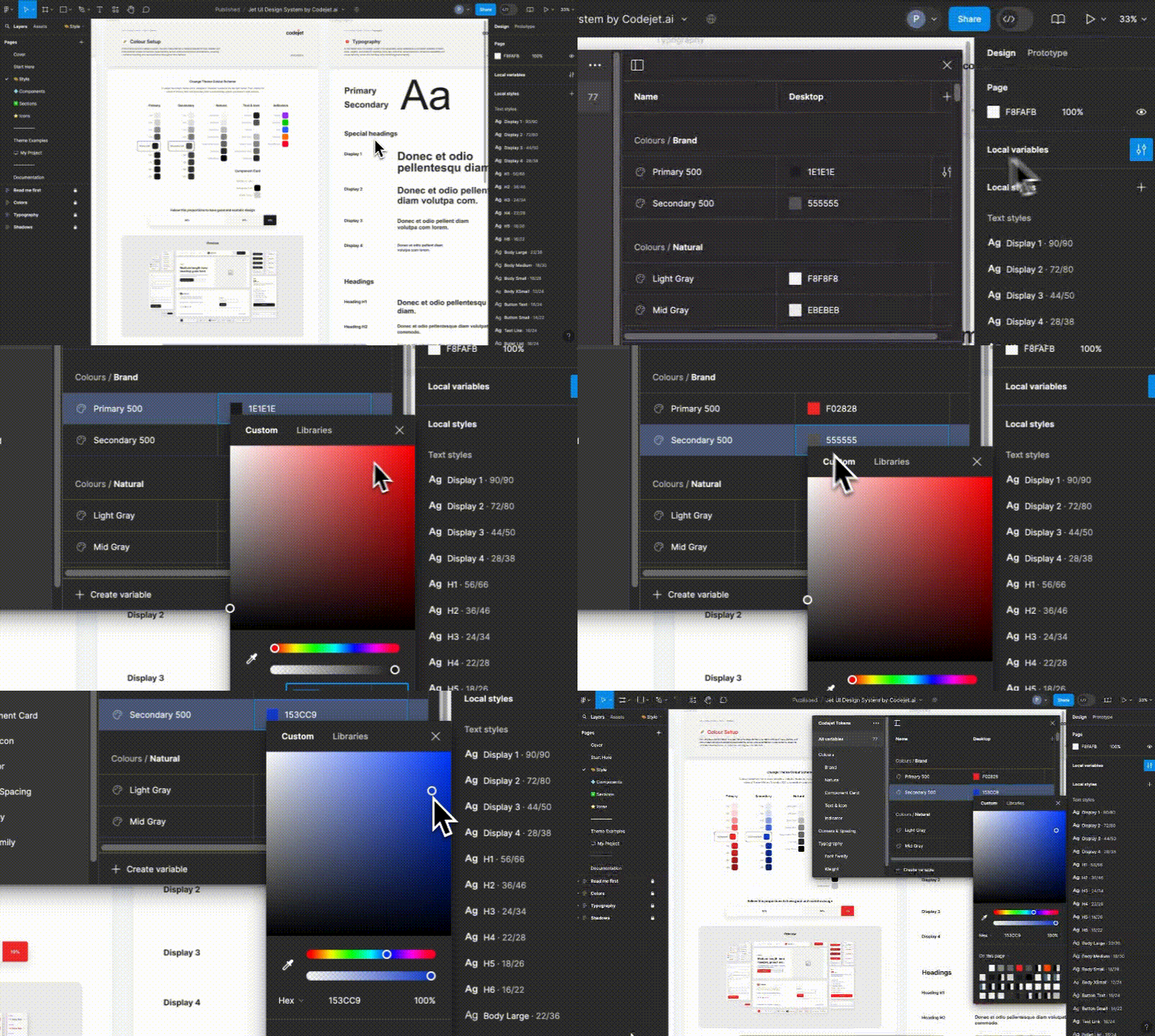
Start by setting up your design environment in Figma. Define your brand's colors, fonts, and other style variables using Figma Variables. This initial step ensures consistency across your design and allows you to maintain a cohesive brand identity throughout your project. For guidance on setting up Figma Variables, visit [Figma's Variable Settings](https://www.figma.com/variables).
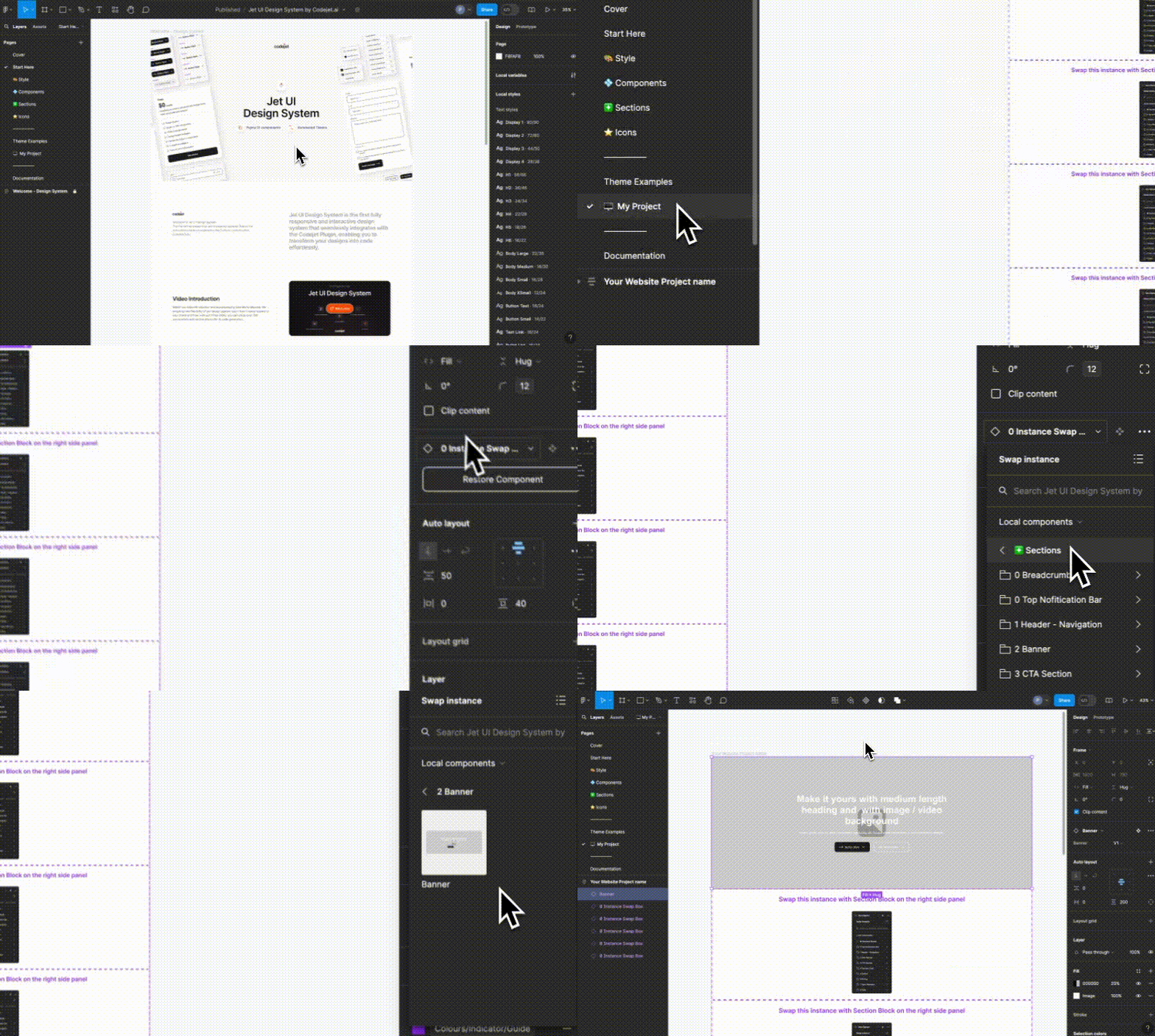
Navigate to the "My Projects" page on Jet UI Design System and begin creating your design. You can start by laying out the basic structure using the design elements you set up in Figma.
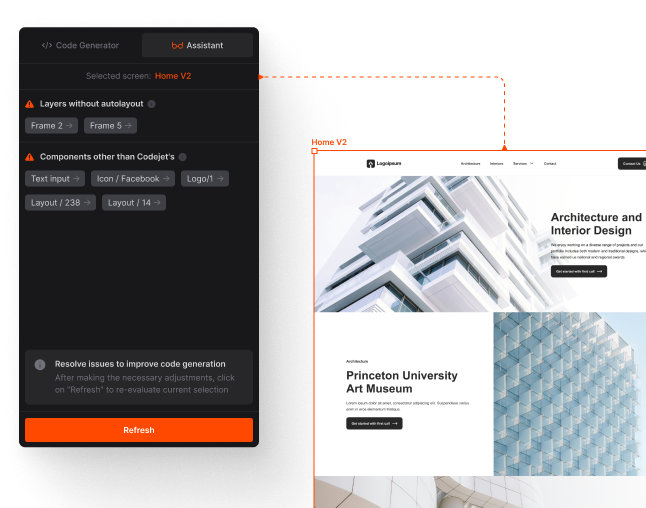
Use the Codejet Assistant to review and refine your designs before finalizing. The assistant helps you ensure that all elements are perfectly aligned with your brand and design requirements.